

Ostina Mobile App
Your Ostina companion for work, voice capture and support.
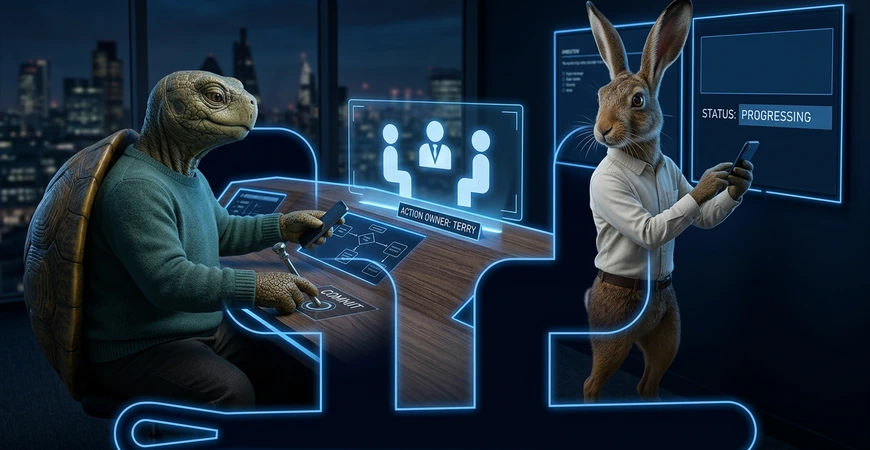
The Ostina mobile companion keeps useful calls, capture, customer details, approvals and support close to hand.
Every Ostina client receives companion access during onboarding. The native mobile release is privately supplied through an authenticated link inside their Score portal rather than through a public app store, keeping access connected to the right company and users.
Authorised users can handle Vox calls, capture meetings, site visits or voice notes for Conductor, photograph receipts for Ledger, look up useful CRM context and review prepared work. Conductor turns approved capture into structured notes, tasks and reminders.
- Private native mobile access supplied through Score
- Vox calling and Conductor meeting or site-visit capture
- Ledger receipt capture and quick CRM lookup
- Approvals, status and support close to hand
- Access limited by company, role and active modules

What the mobile companion changes day to day
It keeps useful Ostina actions within reach while preserving the rules, approvals and human ownership agreed during onboarding.
Capture work while it is happening
Record an approved meeting or site visit, add a voice note or photograph a receipt before useful details are lost.
Find the right customer context
Look up the company, contact and current status needed for a useful response without searching through separate files.
Approve, follow up or ask for help
Review prepared work, check an outcome or raise a support request while keeping the activity connected to Score.

From a moment on the move to a clear next step
Click each stage to see how the companion can support your agreed Ostina workflow while people keep control.
Capture
Scenario
A useful thought or conversation happens away from your desk.
Ostina does
Captures approved input so it can be organised instead of forgotten.
Control
Your agreed capture and consent rules still apply.
Channel
Mobile companion
One companion, shaped around your Ostina setup
The private native companion is supplied through your Score portal during onboarding and reflects the services, access and controls agreed for your business.
Useful while work is moving
- Capture approved notes away from the desk
- Turn useful input into clearer next steps
- Reach the workflows set up for your business
- Keep human review where it matters
- Reduce forgotten follow-ups

Connected to the wider client experience
- Private access link supplied inside Score
- Connected to agreed Ostina services
- Support route kept close to hand
- Access and controls matched to the setup
- Expanded carefully as needs develop

Step 01
Agree the working need
Confirm which moments, workflows and support routes should be available through the companion.
Step 02
Configure access and controls
Match the companion to the approved Ostina setup, permissions and human review points.
Step 03
Onboard the right people
Give approved users their private Score access link, show the team what to use, what stays human and how to request help.
Step 04
Review and improve
Refine the experience as the team learns what saves time and supports follow-through.


A practical companion to the Ostina services you use.
Voice capture with Conductor
Capture approved voice notes and turn them into structured notes, tasks and reminders.
Start with discovery
Connected client portal
Keep mobile access connected to the visibility, support and reporting available through Score.
Explore AI Automation
Support when you need it
Give clients a clear route to help while keeping requests connected to the wider workflow.
Explore AI Automation
Everything is implemented for you after successful consultation.
Start here
Mobile app
questions before
you start.
Need a quick answer?
03300 244 940It is the mobile-friendly companion to Score, giving onboarded clients practical access to approved calls, meeting capture, receipts, CRM details, approvals and support while away from a desk.
The mobile companion is supplied to Ostina clients when they onboard. The setup is matched to the services and workflows agreed for that client.
Conductor can turn approved recordings and voice notes into structured notes, tasks, reminders and draft records. People confirm meaning, promises and sensitive details before anything moves forward.
No. The app is designed to reduce repetitive pressure and help your team follow through, while people keep control of judgement and sensitive decisions.
No. Ostina is not listed in the public Apple or Android stores. Approved users receive the private access link inside their Score portal, and Ostina supplies the appropriate native mobile release during onboarding. Access follows the user's company, role and active modules.
Ready to connect your team to the Ostina mobile companion?
