

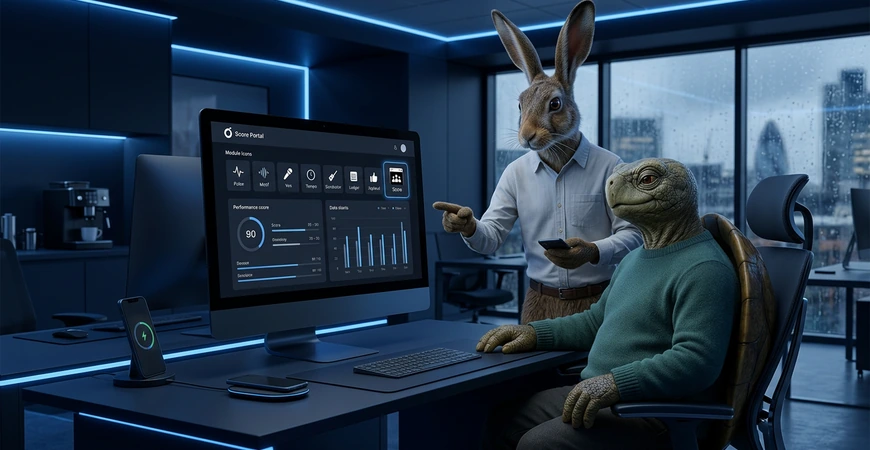
Score gives every Ostina client one clear CRM and portal for customers, work, support, usage and next steps.
Score is included with every Ostina module as the portal for monitoring, support, billing visibility, audit and reporting. It connects with the Ostina mobile companion supplied during onboarding, helping teams stop status chasing and keep ownership clear as work scales.
The CRM keeps company and contact records, useful customer history, activity, ownership and commercial progress together. If you already use another CRM, we agree what stays there and how Score should support the Ostina work around it.
- Portal included with every module
- CRM and secure client portal included with every module
- Support tickets and ownership in one place
- Billing visibility, reporting and audit
- Start simple, scale safely


What Score changes in daily operations
Score makes it easy to see what is happening, who owns it and what happens next, without adding admin pressure.
Clear ownership and next steps
Everyone can see who owns the work, what the next step is and what is waiting.
Support with full context
Phone, WhatsApp and email support can feed a clearer ticketing flow so updates and handoffs do not lose history.
Visibility and reporting
Billing visibility, reporting and audit are easier to track as modules connect.

See The Rhythm In Action
Click each stage to see what happens, which module helps and how you stay in control.
New Enquiry
Scenario
A lead arrives and needs ownership.
Score does
Shows what arrived and who owns the next step.
Control
Visibility stays clear, escalation available.
Channel
Portal, email
Choose Your Score Package
Two ways to start with Score. Choose a lean setup for sole traders and startups or a structured setup for teams that need portal visibility and reporting.
Sole Traders And Startups
- One place to see priorities
- Client portal feel without admin
- CRM companies, contacts and next actions
- Draft first, approvals when needed
- Scale into more modules later

Small And Medium Business
- Ownership and handoffs visible
- Support tickets stay organised
- Billing visibility and reporting
- Audit ready activity trail
- Shared CRM history across active modules

Step 01
Fit check and planning
Fit check, confirm portal needs, CRM needs and key workflows.
Step 02
Build your Score setup
Set structure for ownership, support intake, reporting and visibility.
Step 03
Onboard the team
Onboard the team, keep approvals where decisions matter.
Step 04
Review and optimise
Review outcomes, refine structure, enable Full Auto for approved tasks as modules connect.


Tailored Score Solutions for Practical Teams.
Score portal rollout plan
Define structure, ownership rules, reporting needs and expected wins.
Start with discovery
Score CRM foundation
Keep companies, contacts, memories, activity, ownership and commercial progress connected to the work your modules handle.
Explore AI Automation
Connected customer support
Bring ticket status, ownership and human escalation into view as support spans phone, WhatsApp and email.
Explore AI Customer Support
Everything is implemented for you after successful consultation.
Start here
Score
questions before
you start.
Need a quick answer?
03300 244 940Score is the secure CRM and client portal at the centre of Ostina. It keeps companies, contacts, customer history, activity, work, support and next actions together in one clear view.
Yes. Every active Ostina module uses Score as its secure portal and CRM, with each user seeing only the company information and work their role allows.
Score keeps company and contact records, useful customer history, activity, commercial progress, ownership and next actions together so the team can respond with context.
That is fine. Score remains the joined-up view for Ostina module work, while discovery confirms what should stay in your existing CRM and how supported handoffs should work.
You keep draft first controls, approvals where needed and clear escalation to a human.
Ready to run your business rhythm through Score?
