


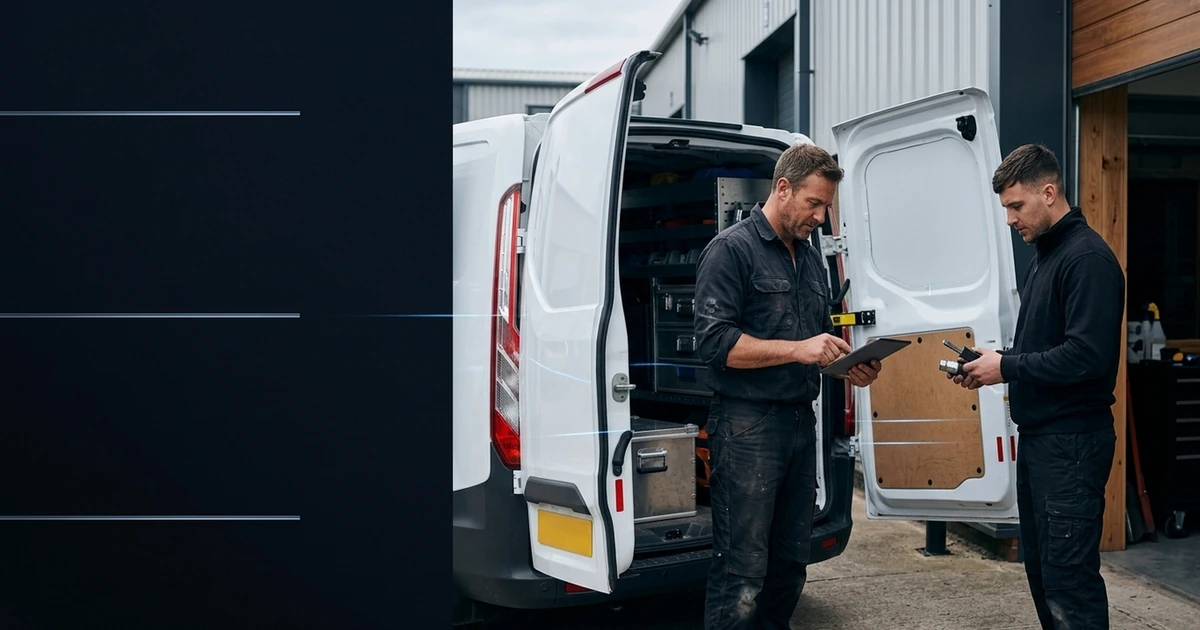
Nine practical workflows from first enquiry to completed job and payment

The best AI automation for a trades or field-service business follows the real job journey: answer or capture the enquiry, collect only the details needed, book the right visit, confirm the appointment, organise field notes, prepare a draft quotation or job record, send agreed updates and support invoicing. People remain responsible for diagnosis, safety, compliance, scope, price, complaints and exceptions.
That makes the opportunity practical rather than futuristic. The aim is not to replace engineers, installers, surveyors or office staff. It is to stop useful work being surrounded by missed calls, repeated typing, unclear ownership and late follow-up.
For the payment stage, see how to automate invoice reminders with accurate checks and respectful client follow-up.
Why this sector needs a practical starting point
The latest Office for National Statistics analysis reports that 35% of UK businesses with ten or more employees used at least one AI technology in June 2026, but the construction figure was only 13%. The ONS also describes adoption as relatively shallow, with adopting businesses using about 1.6 AI technologies on average. Construction is not the whole trades and field-service market, but it is a useful signal that practical adoption remains uneven.
A separate UK Business Data Survey, using a different definition and sample, found that 40% of sole traders handling digitised data used AI, while only 18% said their AI tools were integrated with existing systems. The figures should not be compared as if they measure the same thing. Together, they suggest a common gap: people may already use an AI tool, but the customer enquiry, job record and next action are still disconnected.
Government AI adoption research found administration, operations and customer service among the common areas where adopters use or plan to use AI. That is where a field-service business can begin: around the skilled work, not in place of it.
Nine AI automation examples across the field-service job
| Workflow | What automation can support | Where a person stays responsible | Useful evidence |
|---|---|---|---|
| 1. Missed-call and enquiry capture | Answers within agreed hours, records the caller's reason, confirms contact details and creates an owned next action. | Handles distress, complaints, emergencies, unusual requests and any caller who asks for a person. | Answer rate, confirmed details and enquiries with a named owner. |
| 2. Initial qualification | Collects approved facts such as location, service type, availability and access without pretending to diagnose the job. | Decides suitability, urgency, technical response and whether specialist attendance is required. | Useful enquiries routed correctly and questions needing clarification. |
| 3. Booking and dispatch preparation | Checks agreed service areas, diary capacity, skills, travel buffers and booking rules before offering a slot. | Approves exceptions, reallocates live work and makes priority decisions when capacity changes. | Booking accuracy, clashes, travel gaps and manual repairs. |
| 4. Pre-visit confirmation | Sends the agreed confirmation, access questions, preparation notes and reminder, then records a reply or cancellation. | Controls customer wording, special access needs and any safety-sensitive instruction. | Confirmed visits, avoidable no-access events and cancellations recovered. |
| 5. Field notes to job record | Structures approved voice notes, photos and parts used into a draft job record and flags missing information. | Verifies technical accuracy, completed work, test results, certificates and sign-off. | Time from visit to complete record, omissions and correction rate. |
| 6. Quotation preparation | Builds a draft from approved rates, scope templates, site notes and materials, keeping the supporting context together. | Approves scope, price, exclusions, terms, competence and every promise made to the customer. | Quote turnaround, revisions, accepted scope and margin exceptions. |
| 7. Customer progress updates | Sends approved arrival, delay, parts and completion messages when a trusted event occurs. | Handles material delays, complaints, changes to scope and conversations needing empathy or negotiation. | Customers updated on time, inbound chasing and failed messages. |
| 8. Completion to invoice | Checks that required records are present, prepares invoice information and sends a polite reminder against agreed terms. | Approves the invoice and handles errors, hardship, disputes, payment plans or escalation. | Days from completion to invoice, overdue value and disputed invoices. |
| 9. Review and maintenance follow-up | Requests feedback at an appropriate time and creates agreed service, inspection or maintenance reminders. | Responds to poor feedback, confirms regulatory requirements and decides the right commercial follow-up. | Feedback response, unresolved issues and legitimate repeat bookings. |
These are connected examples, not a recommendation to automate all nine at once. A reliable first project usually joins two adjacent steps where the trigger, owner and finished outcome are already understood.
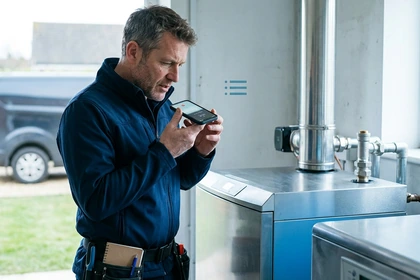

A connected example: from first call to approved invoice
Consider a small commercial maintenance company. A new customer calls while the owner is on site. The call workflow confirms the customer's name, business, location, contact details and broad service need, then creates an enquiry for review. It does not diagnose the fault or promise an emergency response.
An office coordinator checks suitability and approves a survey slot. The customer receives a confirmation and access reminder. After the visit, the technician records a short note and approved photos; automation arranges those inputs into a draft record and flags that a material quantity is missing. The technician corrects it, and the owner reviews a draft quotation built from approved rates and terms.
When the work is complete, the verified record supports invoice preparation. A routine reminder can follow the stated payment terms, but any dispute routes to a person. The system has reduced copying and chasing while every technical and commercial commitment remains human-owned.
Choose a starting workflow for your business size
| Business shape | Useful first workflow | Keep it contained by |
|---|---|---|
| Sole trader | Missed enquiry to confirmed callback or booking. | Using a narrow service list, one diary and direct personal approval for exceptions. |
| Two to ten people | Confirmed job to structured record, quotation draft and owned follow-up. | Naming an office or owner review point and testing with one job type. |
| Several field teams | Enquiry, booking and dispatch preparation across one region or service line. | Defining skills, travel and escalation rules before connecting more teams. |
The right starting point is the smallest workflow that removes a repeated pressure point and produces evidence you can check. Our sole-trader automation package and small and medium business package show how the support can expand without forcing a wholesale system change.
What AI should not decide alone
- Whether a situation is technically safe or what emergency action a customer should take.
- Diagnosis, statutory inspection, certification, competent-person or compliance sign-off.
- Final scope, price, exclusions, contract terms, guarantees or a material change to the job.
- Complaints, vulnerable-customer situations, disputed work, hardship or debt escalation.
- Worker performance, disciplinary decisions or safety monitoring without appropriate policy and review.
The Health and Safety Executive says employers must manage risks before people work alone, including engineers and self-employed contractors. Digital check-ins and workflow alerts may support an agreed system, but they do not replace risk assessment, training, supervision, emergency arrangements or a person responding when something goes wrong.
Customer data, transparency and payment boundaries
Map the customer information used at each stage: why it is needed, where it goes, who can see it and when it is deleted. The Information Commissioner's Office says privacy information for AI processing should explain purposes, retention and sharing. Tell people clearly when they are dealing with AI and provide a usable route to a person.
The Competition and Markets Authority stresses transparency and accountability when businesses use AI with consumers. An automated message does not remove the business's responsibility for the result.
For late payments, the Office of the Small Business Commissioner describes AI as a way to support reminders and payment administration. Its wider guidance also recommends checking terms and invoice accuracy, using a polite reminder and speaking directly with a client when necessary. Keep disputes and individual circumstances out of a blind reminder sequence.
A 20-job pilot
- Select one journey. Use one job type, service area and responsible owner.
- Write the rules. Define required information, permitted actions, technical limits and human triggers.
- Record the current result. Measure a recent set of comparable enquiries or jobs before changing anything.
- Run in review mode. Check every draft, booking and customer message until behaviour is steady.
- Review 20 completed examples. Include corrections, cancellations, missing information, complaints and at least one service failure test.
- Expand, narrow or stop. Decide from evidence and staff feedback rather than the demonstration.
Useful measures include enquiry response time, confirmed-detail accuracy, booking corrections, no-access events, time from visit to completed record, quote turnaround, days from completion to invoice, manual rework, customer feedback and staff pressure. Faster is not better if the team spends the saved time repairing mistakes.
Frequently asked questions
What can a trades business automate with AI?
A trades business can support routine call capture, enquiry qualification, booking, reminders, job-record preparation, quotation drafting, customer updates, invoice administration and maintenance follow-up. People should retain control of diagnosis, safety, compliance, scope, pricing, complaints and disputed payments.
Can AI book jobs for trades and field-service teams?
Yes, when the system uses approved service areas, job types, skills, travel buffers and diary rules. It should confirm the appointment, avoid clashes and send uncertain, urgent or safety-related requests to a person rather than guessing.
Can AI create quotations for trade work?
AI can prepare a draft from approved rates, site notes, materials and scope templates. A suitably authorised person should verify the work, price, exclusions, terms and customer promise before the quotation is sent.
Can AI improve field-worker safety?
It can support check-ins, information flow and escalation records, but it does not replace an employer's risk assessment, training, supervision, emergency arrangements or direct human response. Safety-critical routes must be designed and tested separately.
How should a small trade business start with automation?
Choose one repeated administrative journey, such as missed enquiry to confirmed booking or completed job to approved invoice. Test it on a contained set of real jobs, keep named human owners and compare response time, accuracy, rework, customer experience and staff pressure before expanding.
Sources and further reading
- Office for National Statistics: Artificial intelligence in UK businesses, 2023 to 2026.
- Department for Science, Innovation and Technology: AI Adoption Research.
- Department for Science, Innovation and Technology: UK Business Data Survey 2026.
- Health and Safety Executive: protecting lone workers.
- Information Commissioner's Office: transparency when AI processes personal data.
- Competition and Markets Authority: agentic AI and consumers.
- Office of the Small Business Commissioner: using AI to support payment processes.
The practical next step
Take ten recent jobs and mark every point where somebody copied information, chased an answer, rebooked work or waited for approval. Choose one repeated handoff with a clear owner and completed outcome. Then use our first-process scorecard or plan a contained field-service automation pilot with Ostina.
